Free APK GameSpector full version



GameSpector


Program available in com.hexview.android.gamespector Program license Free - System Android


Category : General
Program  : Free
Version  : 8.1
Size     : 2 MB
Works under : Android
Package name : Code Masters
Votes : 1 Votes / Ratting : 1
Program by : Code Masters
Content rating - Code Masters

Watch GameSpector Video Review 

Review - GameSpector 

GameSpector is an Android browser that is a limited version of the regular UC Browser. It has many of the same features that made the UC Browser popular. It is a great alternative browser if you want something simpler than the traditional browsers for Android.  GameSpector has many great features. One feature is that it is a very fast browser for downloading files or watching videos. Another feature is that video playback can be controlled by gestures. Also, GameSpector has an incognito mode to secure your privacy. The browser additionally has a Night Mode which makes it easier to read text when it is dark.  The browser is very well designed. The user-interface is very stylish and clean, letting you focus on what you are doing. The tab management is simpler and easier to use than it is for most Android browsers. A quick-search feature allows you to search right from the navigation bar. In addition, navigation cards allow you to get updates about news and events based on your location.  Pros:  Fast download speeds Intuitive user-interface Small and fast browser Many useful features  Cons:  Not as many features as in standard browsers Night Mode may not work well depending on system brightness settings Built-in download manager doesn’t always work as expected

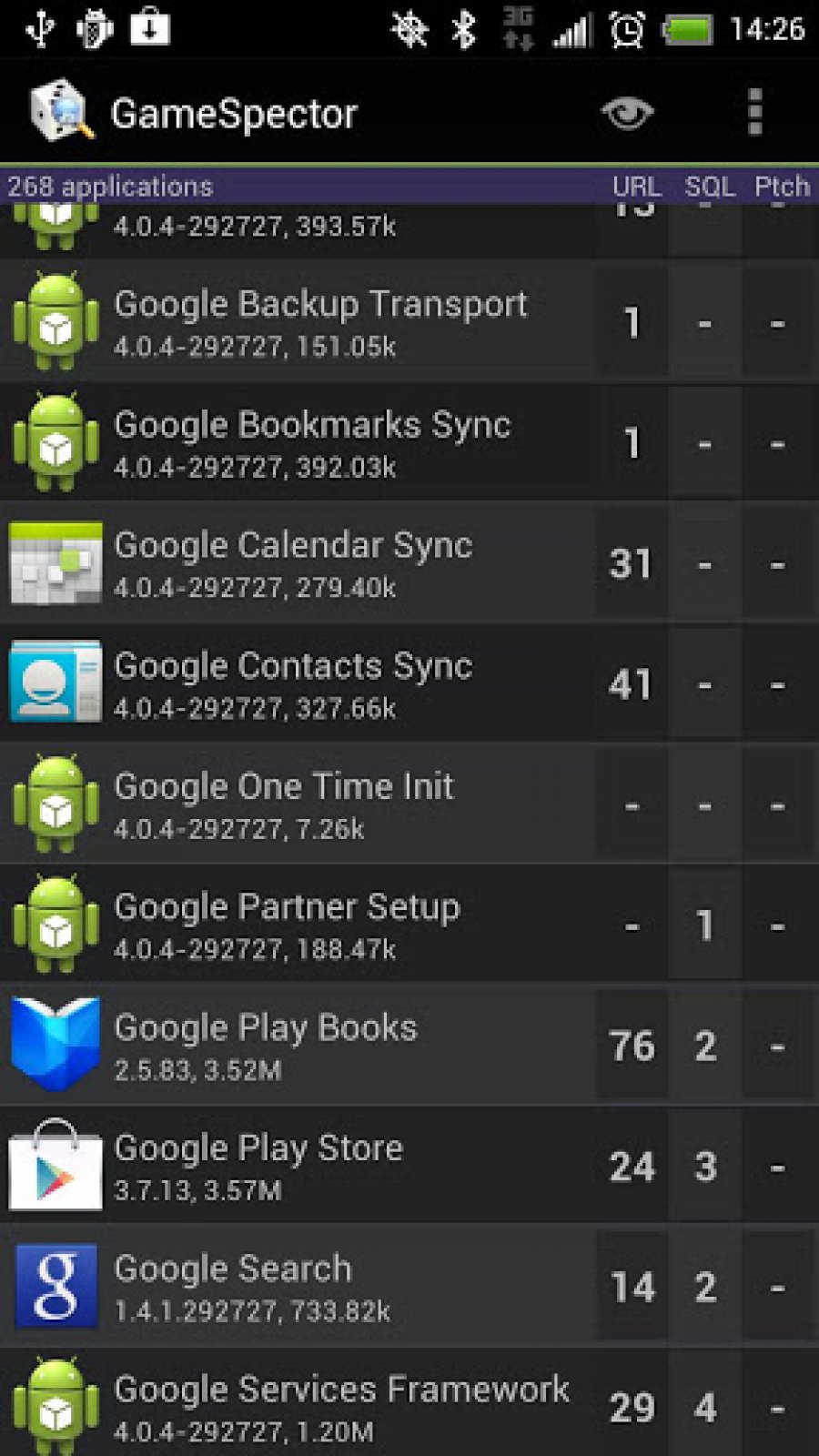
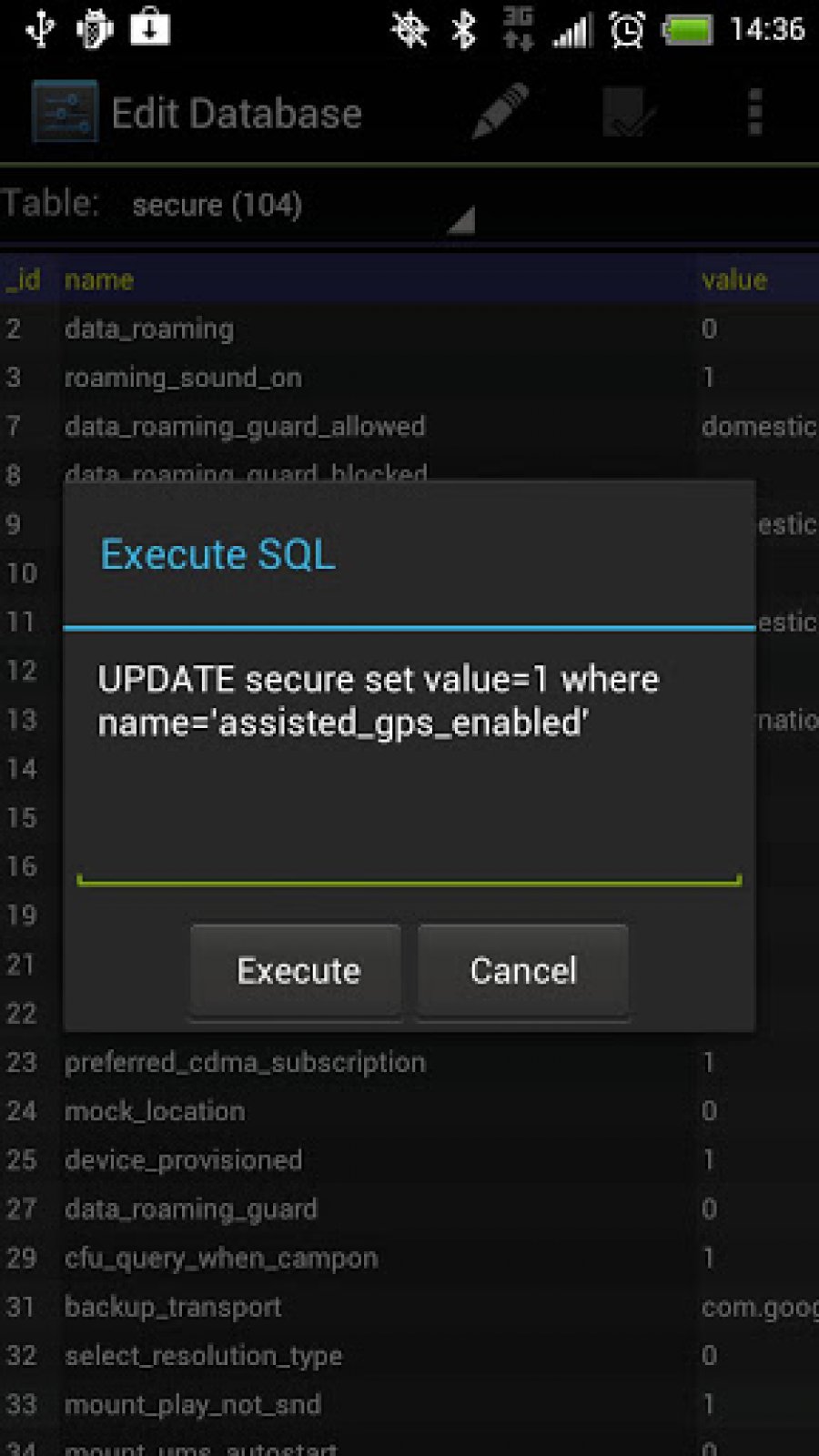
Screenshots GameSpector 


What Is New 


Free APK Dropbox free unlock


Dropbox


Program available in Windows Program license Free - System Android


Category : General
Program  : Free
Version  : 174.2.6
Size     : 45 MB
Works under : Android
Package name : Everyone
Votes : 70 Votes / Ratting : 4.5
Program by : com.dropbox.android
Content rating - English

Watch Dropbox Video Review 

Review - Dropbox 

Dropbox is an Android browser that is a limited version of the regular UC Browser. It has many of the same features that made the UC Browser popular. It is a great alternative browser if you want something simpler than the traditional browsers for Android.  Dropbox has many great features. One feature is that it is a very fast browser for downloading files or watching videos. Another feature is that video playback can be controlled by gestures. Also, Dropbox has an incognito mode to secure your privacy. The browser additionally has a Night Mode which makes it easier to read text when it is dark.  The browser is very well designed. The user-interface is very stylish and clean, letting you focus on what you are doing. The tab management is simpler and easier to use than it is for most Android browsers. A quick-search feature allows you to search right from the navigation bar. In addition, navigation cards allow you to get updates about news and events based on your location.  Pros:  Fast download speeds Intuitive user-interface Small and fast browser Many useful features  Cons:  Not as many features as in standard browsers Night Mode may not work well depending on system brightness settings Built-in download manager doesn’t always work as expected

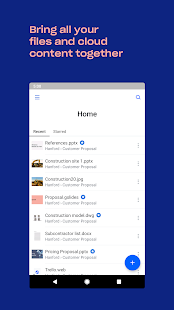
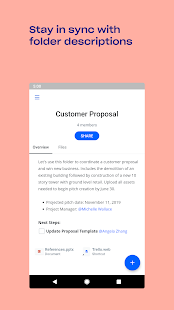
Screenshots Dropbox 


What Is New 

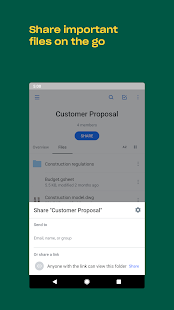
Whats new: File Activity in File Preview: Stay on top of the progress happening on your teams files and know when someone has made an update, like edited or renamed it. We release updates regularly, and were always looking for ways to make things better. If you have any feedback or run into issues, come find us in our forums. Were happy to help!


Download Google Talkback free unlock


Google Talkback


Program available in English Program license Free - System Android


Category : General
Program  : Free
Version  : 8.1.0.278818032
Size     : 12 MB
Works under : Android
Package name : com.google.android.marvin.talkback
Votes : 89 Votes / Ratting : 4
Program by : Google LLC 1600 Amphitheatre Parkway, Mountain View 94043
Content rating - Everyone

Watch Google Talkback Video Review 

Review - Google Talkback 

Google Talkback is an Android browser that is a limited version of the regular UC Browser. It has many of the same features that made the UC Browser popular. It is a great alternative browser if you want something simpler than the traditional browsers for Android.  Google Talkback has many great features. One feature is that it is a very fast browser for downloading files or watching videos. Another feature is that video playback can be controlled by gestures. Also, Google Talkback has an incognito mode to secure your privacy. The browser additionally has a Night Mode which makes it easier to read text when it is dark.  The browser is very well designed. The user-interface is very stylish and clean, letting you focus on what you are doing. The tab management is simpler and easier to use than it is for most Android browsers. A quick-search feature allows you to search right from the navigation bar. In addition, navigation cards allow you to get updates about news and events based on your location.  Pros:  Fast download speeds Intuitive user-interface Small and fast browser Many useful features  Cons:  Not as many features as in standard browsers Night Mode may not work well depending on system brightness settings Built-in download manager doesn’t always work as expected

Screenshots Google Talkback 


What Is New 

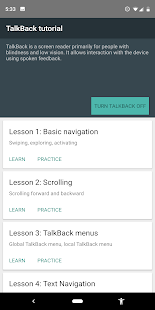
Version 8.1 updates: Improved TalkBack usage hints for local context menu. Improved Select to Speak design for devices with narrow screens. Improved Select to Speak support for Dark theme on devices running Android 10. Removed several TalkBack settings. Other fixes and improvements. Read more in the app description.


Download Lazy Swipe free unlock


Lazy Swipe


Program available in English Program license Free - System Android


Category : General
Program  : Free
Version  : 2.28
Size     : 2 MB
Works under : Android
Package name : com.lazyswipe
Votes : 100 Votes / Ratting : 4.5
Program by : Holaverse Group 1 QUEEN'S ROAD , CENTRAL, HONG KONG
Content rating - Everyone

Watch Lazy Swipe Video Review 

Review - Lazy Swipe 

Lazy Swipe is an Android browser that is a limited version of the regular UC Browser. It has many of the same features that made the UC Browser popular. It is a great alternative browser if you want something simpler than the traditional browsers for Android.  Lazy Swipe has many great features. One feature is that it is a very fast browser for downloading files or watching videos. Another feature is that video playback can be controlled by gestures. Also, Lazy Swipe has an incognito mode to secure your privacy. The browser additionally has a Night Mode which makes it easier to read text when it is dark.  The browser is very well designed. The user-interface is very stylish and clean, letting you focus on what you are doing. The tab management is simpler and easier to use than it is for most Android browsers. A quick-search feature allows you to search right from the navigation bar. In addition, navigation cards allow you to get updates about news and events based on your location.  Pros:  Fast download speeds Intuitive user-interface Small and fast browser Many useful features  Cons:  Not as many features as in standard browsers Night Mode may not work well depending on system brightness settings Built-in download manager doesn’t always work as expected

Screenshots Lazy Swipe 


What Is New 

(function($) { $(function() { // Find all YouTube videos var $allVideos = $("#tabs-4 .vcontainer iframe"), // The element that is fluid width $fluidEl = $("#tabs-4 .vcontainer"); // Figure out and save aspect ratio for each video $allVideos.each(function() { $(this) .data('aspectRatio', this.height / this.width) // and remove the hard coded width/height .removeAttr('height') .removeAttr('width'); }); // When the window is resized $(window).resize(function() { var newWidth = $fluidEl.width(); // Resize all videos according to their own aspect ratio $allVideos.each(function() { var $el = $(this); $el .width(newWidth) .height(newWidth * $el.data('aspectRatio')); }); // Kick off one resize to fix all videos on page load }).resize(); }); })(jQuery);


Free APK Google Play Services Original


Google Play Services


Program available in English Program license Free - System Android


Category : General
Program  : Free
Version  : 10.1.33_(534
Size     : 22 MB
Works under : Android
Package name : com.google.android.gms
Votes : 140 Votes / Ratting : 3.8
Program by : Google LLC 1600 Amphitheatre Parkway, Mountain View 94043
Content rating - Everyone

Watch Google Play Services Video Review 

Review - Google Play Services 

Google Play Services is an Android browser that is a limited version of the regular UC Browser. It has many of the same features that made the UC Browser popular. It is a great alternative browser if you want something simpler than the traditional browsers for Android.  Google Play Services has many great features. One feature is that it is a very fast browser for downloading files or watching videos. Another feature is that video playback can be controlled by gestures. Also, Google Play Services has an incognito mode to secure your privacy. The browser additionally has a Night Mode which makes it easier to read text when it is dark.  The browser is very well designed. The user-interface is very stylish and clean, letting you focus on what you are doing. The tab management is simpler and easier to use than it is for most Android browsers. A quick-search feature allows you to search right from the navigation bar. In addition, navigation cards allow you to get updates about news and events based on your location.  Pros:  Fast download speeds Intuitive user-interface Small and fast browser Many useful features  Cons:  Not as many features as in standard browsers Night Mode may not work well depending on system brightness settings Built-in download manager doesn’t always work as expected

Screenshots Google Play Services 


What Is New 

7.3 - Maps API v2 for Android Wear - Wear API improvements, including Channel API for bidirectional data transfer between devices - Fit API improvements, including new API for reading aggregated daily totals - Location API improvements, including parameter for setting max wait time - Places API improvements, including ability to retrieve attributions